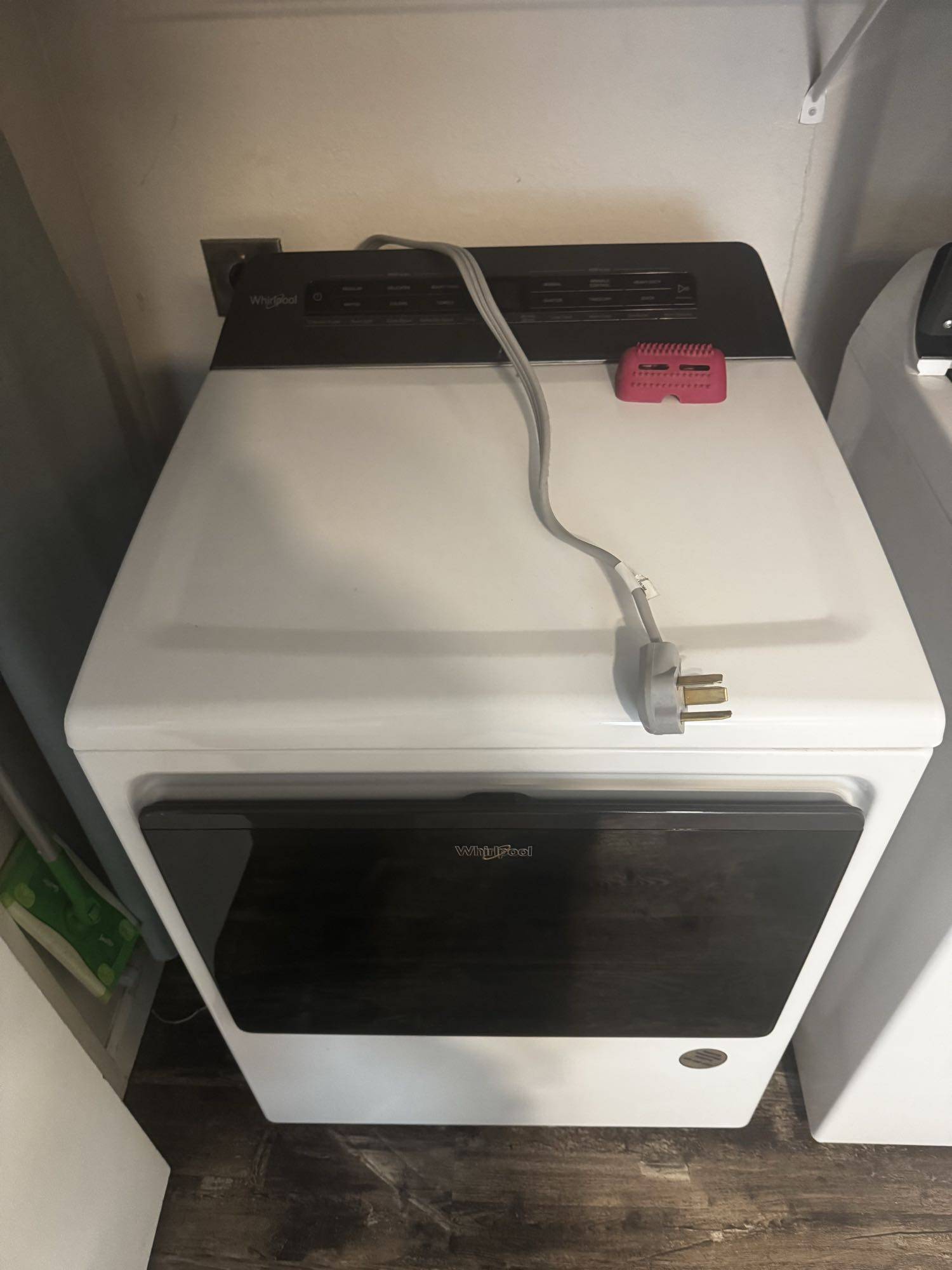
A GE washing machine that does not respond when you press the Start button can interrupt your entire laundry routine. You may load the drum, add detergent, select a wash cycle, and press Start, only to find that nothing happens. The display might remain illuminated, the buttons may stop responding, or the washer may appear completely dead. In some cases, the machine beeps but never begins filling with water or spinning. Several problems can cause this behavior, including a locked control panel, an interrupted power supply, a faulty user interface, or a failing main control board. Identifying the source of the problem is essential before replacing any components. Although some causes are easy to address, electrical and electronic failures often require professional diagnosis.

Check the Power Supply First

Before assuming that an electronic component has failed, verify that the washing machine receives power. If the display is blank and no indicator lights appear, the problem may involve the electrical outlet, circuit breaker, power cord, or internal wiring. Check whether the circuit breaker has tripped. If the washer plugs into a standard outlet, you can test the outlet with another suitable device, provided it is safe to do so. Avoid using extension cords or adapters that are not approved for the appliance. If the outlet works but the washer remains unresponsive, an internal electrical problem may be preventing the control system from receiving power. A damaged power connection, failed internal fuse where applicable, or defective electronic component could be responsible. Do not repeatedly reset a breaker that trips again. This may indicate an electrical fault that needs professional attention.

A Locked Control Panel May Prevent the Washer From Starting

Some GE washing machines have a Control Lock feature designed to prevent accidental changes to wash settings. When this feature is active, pressing Start or other buttons may produce no response. Look for a lock symbol or a message indicating that the controls are locked. Depending on the model, you may need to press and hold a designated button for several seconds to disable the feature. The exact procedure varies, so consult the owner’s manual for your washer. If the panel becomes responsive after unlocking it, no component replacement may be necessary. However, if the controls remain frozen or the lock indicator behaves unexpectedly, the problem could involve the user interface, control circuitry, or another system that manages the panel’s operation.

Try a Safe Power Reset

A temporary electronic malfunction can sometimes prevent a GE washer from recognizing button presses. A power reset may restore normal operation if the issue results from a control system that has become unresponsive. Turn the washer off and disconnect it from the power supply. Wait approximately one minute before reconnecting it. If the manufacturer’s instructions specify a different reset procedure, follow those instructions instead. After restoring power, select a wash cycle and press Start. If the machine begins operating normally, the issue may have been temporary. However, a successful reset does not necessarily mean the underlying problem has been resolved. If the washer repeatedly freezes or stops responding, further diagnosis is recommended. Never remove electrical covers or handle internal wiring while the appliance is connected to power.

Signs of a Faulty User Interface or Control Panel

The user interface is the part of the washer that receives your commands. Depending on the model, it may contain physical buttons, a touch-sensitive panel, indicator lights, and a digital display. When this component begins to fail, the symptoms can vary. The Start button may not register presses, some buttons may work while others do not, or the display may show incomplete information. You might also notice that the controls respond intermittently. Moisture, worn contacts, damaged wiring, and electronic component failure can all contribute to these symptoms. On machines with touch controls, damage to the interface or its connections may prevent the Start command from reaching the control system. A technician can inspect the user interface and its wiring to determine whether the panel itself is defective. Replacing the interface without testing it first can lead to unnecessary expenses, especially when the actual problem lies elsewhere.

Could the Main Control Board Be Responsible?

The main control board coordinates the washer’s functions, including cycle selection, water filling, motor operation, draining, and communication with the user interface. If the board develops an electrical or electronic fault, the machine may fail to respond to the Start button even when the control panel appears normal. Other possible symptoms include an unresponsive display, interrupted cycles, unusual indicator behavior, or inconsistent operation. Power surges, damaged connections, and component deterioration can contribute to control board problems. However, these symptoms are not exclusive to a failing board. A defective interface, wiring issue, or another component may produce similar behavior. Proper diagnosis involves checking the power supply, inspecting accessible connections, and testing the relevant circuits according to the manufacturer’s service procedures. A technician may also use model-specific diagnostic functions to identify stored fault codes. Replacing the main board should be considered only after other likely causes have been evaluated. Control boards can be expensive, and the correct replacement must be compatible with the washer’s exact model and configuration.

When Professional Repair Is Necessary

If your GE washing machine still does not respond after checking the control lock, verifying the power supply, and performing an appropriate reset, professional service can help identify the cause. A qualified appliance technician can determine whether the problem involves the user interface, main control board, wiring, or another electrical component. This approach reduces guesswork and helps avoid replacing parts that are still functioning correctly. It is also worth arranging service if the washer repeatedly loses power, displays error codes, produces a burning smell, or causes the circuit breaker to trip. Disconnect the appliance if you notice signs of overheating or an electrical fault, and do not continue testing it. When scheduling service, provide the washer’s model number and describe exactly what happens when you press Start. Mention whether the display lights up, whether any buttons work, and whether the machine makes a sound. These details can help narrow down the possible causes before the technician arrives.

Restore Your GE Washer’s Normal Operation

A GE washing machine that ignores the Start button may have a simple control-lock issue or a more complicated electrical failure. Checking the basic settings and power supply is a reasonable first step, but persistent problems require a closer inspection of the control panel and main board. San Diego Appliance Repair Center provides appliance repair services to help homeowners identify and resolve washing machine problems. If your GE washer will not start, professional diagnosis can help determine which component needs attention and what repair is appropriate. Contact San Diego Appliance Repair Center to schedule service for your GE washing machine. Get the problem diagnosed, discuss the available repair options, and work toward restoring your washer’s reliable operation.