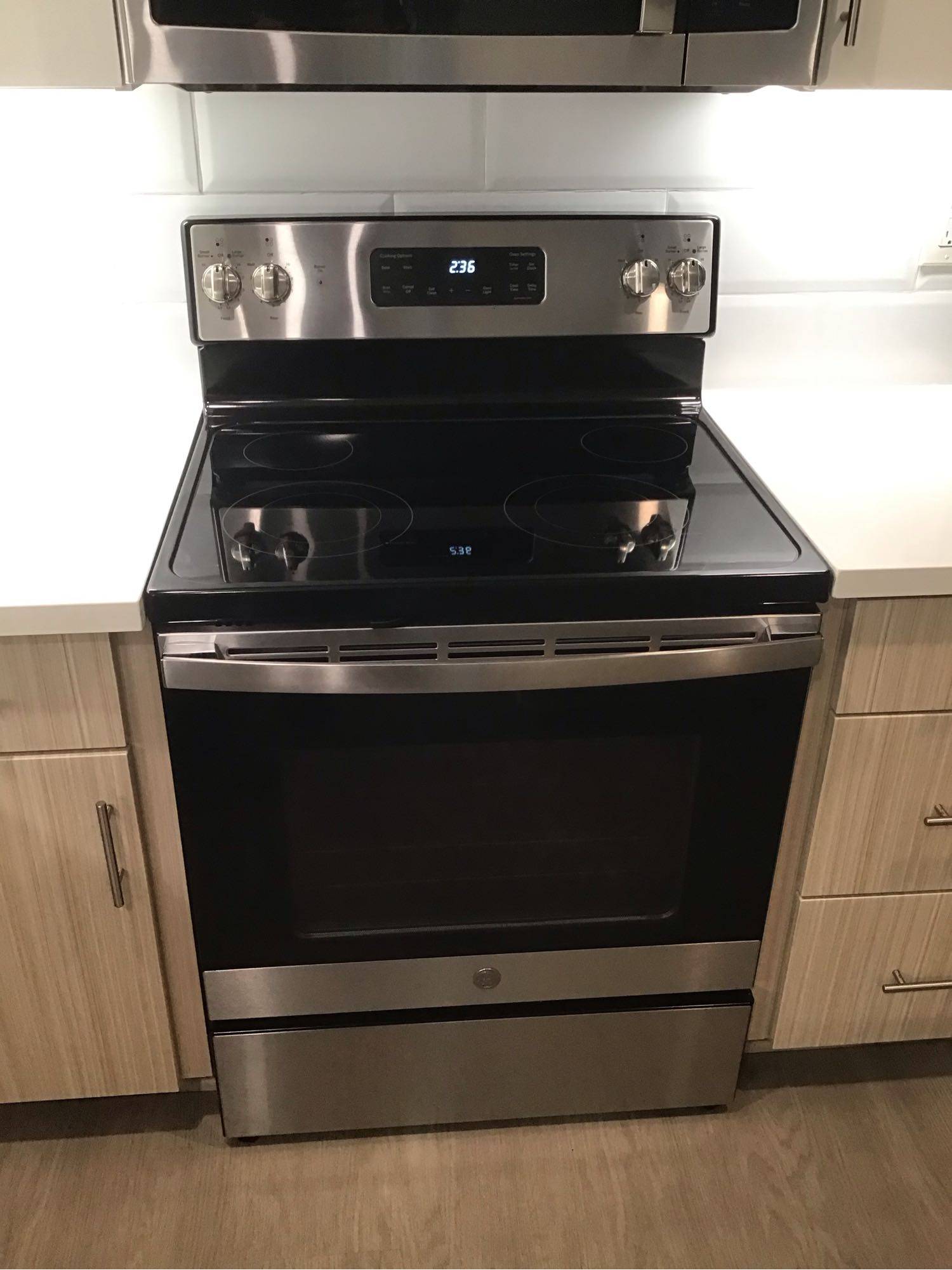
A KitchenAid induction cooktop that refuses to recognize compatible cookware can make everyday cooking frustrating. You place a pan on the cooking zone, select a power level, and expect the surface to heat. Instead, the display may flash, show a pan detection indicator, or refuse to activate the burner. In some cases, the cooktop works with one pan but fails to recognize another, even when both are designed for induction cooking. This problem can result from unsuitable cookware, incorrect pan placement, a malfunctioning pan detection system, or a failure in the cooktop’s electronic controls. Identifying the actual cause is essential before replacing parts or assuming the appliance needs major repairs.

How KitchenAid Induction Cooktops Detect Cookware

Unlike conventional electric cooktops, induction models use electromagnetic energy to heat compatible cookware directly. Beneath the glass surface, an induction coil generates a magnetic field that transfers energy to the pan. The cookware must have a magnetic base and meet the manufacturer’s requirements for size and placement. The cooktop’s electronic system monitors the interaction between the coil and the cookware. If the pan is missing, too small, incorrectly positioned, or unsuitable for induction heating, the appliance may prevent the cooking zone from operating. When a KitchenAid cooktop cannot detect a compatible pan, the issue may be as simple as a cookware mismatch. However, if several suitable pans produce the same result, the problem may involve a sensor, induction coil, electrical connection, or control module.

Incorrect Cookware or Improper Pan Placement

Before scheduling a repair, check whether the cookware is genuinely compatible with induction cooking. Stainless steel pans vary in composition, and some stainless steel products do not have sufficiently magnetic bases. Aluminum, copper, and glass cookware generally will not work unless specifically manufactured with an induction-compatible base. A simple magnet test can help. Place a magnet against the bottom of the pan. If it attracts firmly, the cookware may be suitable for induction cooking, although the pan must still meet the cooktop’s size and construction requirements. Next, position the pan in the center of the cooking zone. A small pan placed on a larger zone may not be detected, depending on the model. Warped bottoms and uneven contact can also interfere with reliable operation. If the cooktop recognizes one pan but not another, cookware compatibility or dimensions are likely contributors. If it fails to detect several known-compatible pans across multiple zones, further troubleshooting is necessary.

Possible Pan Detection Sensor Problems

The pan detection function relies on electronic monitoring of the induction system. Depending on the KitchenAid model, detection is performed through the induction coil and associated circuitry rather than a single, separate sensor. A fault in this system can prevent the appliance from identifying cookware correctly. You might notice that a cooking zone repeatedly switches off, displays a pan warning with a suitable pot in place, or works intermittently. Electrical connections associated with the induction coil can also affect detection. A loose connection, damaged wiring, or a failing coil may interrupt the signals required for normal operation. These faults require technical inspection. Because the cooktop contains high-voltage electronic components, removing the glass surface or testing internal circuits should be left to a qualified appliance repair technician.

Control Module Failure

The control module coordinates cooking zone operation, power delivery, temperature monitoring, and cookware detection. If the module develops a fault, the cooktop may receive incorrect information from the induction system or fail to activate a zone even when compatible cookware is present. Common warning signs include multiple zones refusing to recognize pans, inconsistent responses to touch controls, recurring error codes, and cooking zones that stop working without an obvious reason. A control module problem cannot be confirmed from symptoms alone. Similar behavior can result from a defective induction coil, damaged wiring, a power supply issue, or a communication fault between electronic components. A technician can inspect the appliance, review displayed error codes, test relevant connections, and determine whether the control board requires repair or replacement. Replacing the module without confirming the cause can lead to unnecessary expenses and may not resolve the original problem.

Other Electrical and Operating Issues

Power interruptions can occasionally affect electronic cooktop operation. If the appliance recently experienced an outage or electrical work, consult the owner’s manual for the manufacturer’s recommended reset procedure. Follow only the instructions intended for your specific model. Check whether the cooktop displays an error code and record it before attempting a reset. This information can help narrow down the possible fault. Avoid repeatedly switching the appliance on and off if the same error returns. If you notice a burning smell, unusual electrical noises, visible damage, or a tripped circuit breaker, stop using the cooktop and arrange a professional inspection. Do not attempt to open the appliance or handle internal electrical connections yourself.

When to Schedule Professional Repair

Professional service is advisable when a KitchenAid induction cooktop consistently fails to detect cookware that previously worked correctly. A technician can determine whether the issue involves the cookware detection system, induction coil, wiring, power supply, or electronic control module. Accurate diagnosis helps prevent unnecessary part replacements. It also allows the technician to identify related problems that may affect the cooktop’s reliability or safe operation. If only one cooking zone has stopped recognizing compatible pans, the fault may be isolated to that zone or its associated electronics. If every zone behaves the same way, the technician may need to investigate shared control components or the cooktop’s electrical supply. Providing the model number, any displayed error codes, and a description of when the problem started can make the diagnostic process more efficient.

Restore Reliable Cooking with KitchenAid Cooktop Repair

A KitchenAid induction cooktop that does not detect compatible cookware may have a simple setup issue or an internal electrical fault. Checking pan compatibility and placement is a sensible first step, but persistent detection problems require a closer inspection of the appliance’s operating components. Contact San Diego Appliance Repair Center to schedule KitchenAid induction cooktop repair. A qualified technician can inspect the cooktop, identify the source of the detection problem, and recommend the appropriate repair. Arrange service before the fault develops into a more disruptive cooking problem.